TDS / TRACES

TDS / TRACES Management

Manage TDS notices, challans, quarter compliance and replies with evidence, tasks, and client-ready reporting.

Features

What you get

Everything your team needs to manage TDS/TRACES defaults, notices and compliance.

TDS/TRACES Tracker

Monitor defaults, notices, actions and compliance across deductors — all in one dashboard.

Challan & Credit Library

Maintain challans, CIN/BSR numbers, quarter-wise tracking and mapping to deductees.

Reply Formats

Standardized reply formats for notices with supporting evidence links and annexure builder.

Document Vault

Store notices, challans, returns, corrections and acknowledgements with full audit trail.

Task Automation

Quarter deadlines, reminders, escalation rules and team workload management built in.

Reports

Quarter-wise status, outstanding issues, and client summaries — export PDF/Excel.

Workflow

TDS default resolution in 5 steps

1
Identify Issue

Default / mismatch / notice — log and categorize

2
Collect Evidence

Challans, returns, ledgers, correction statements

3
Prepare Correction

Working papers + challan mapping + annexures

4
Draft Reply

Standard format + facts + evidence + AI suggestions

5
Close & Report

Outcome recorded + audit trail + client summary

Screens

Key screens

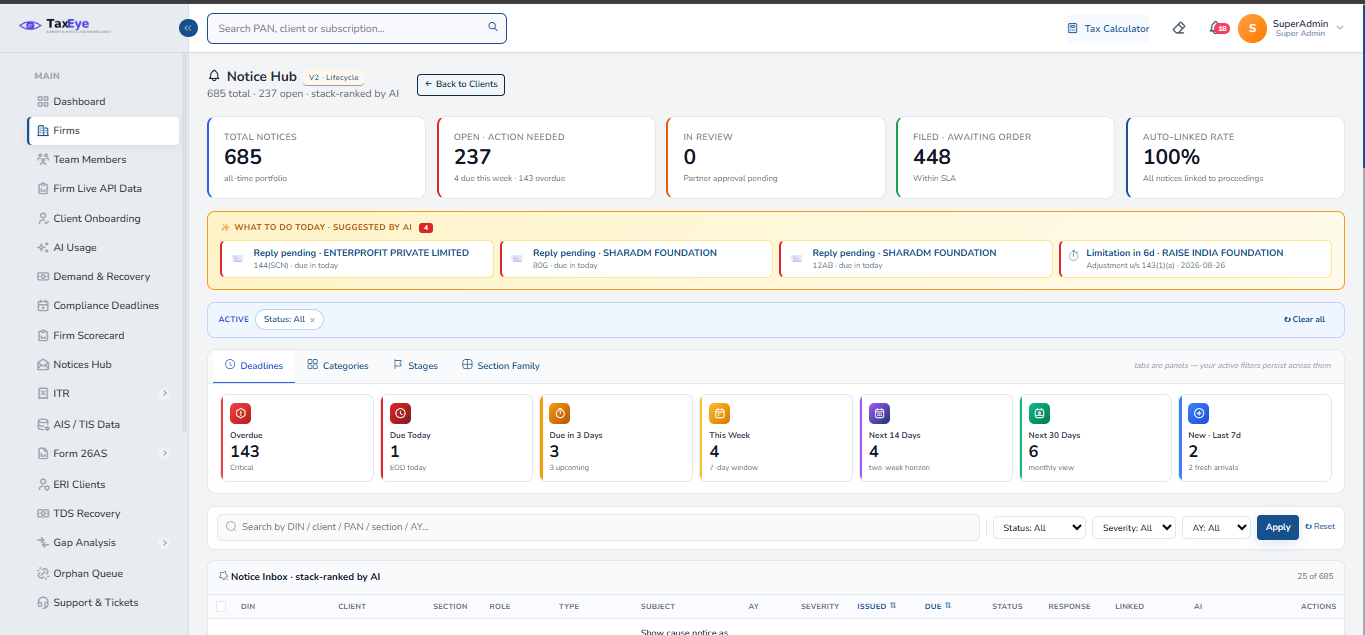
TDS/TRACES Dashboard

Deductor-wise status, defaults, notices and SLA
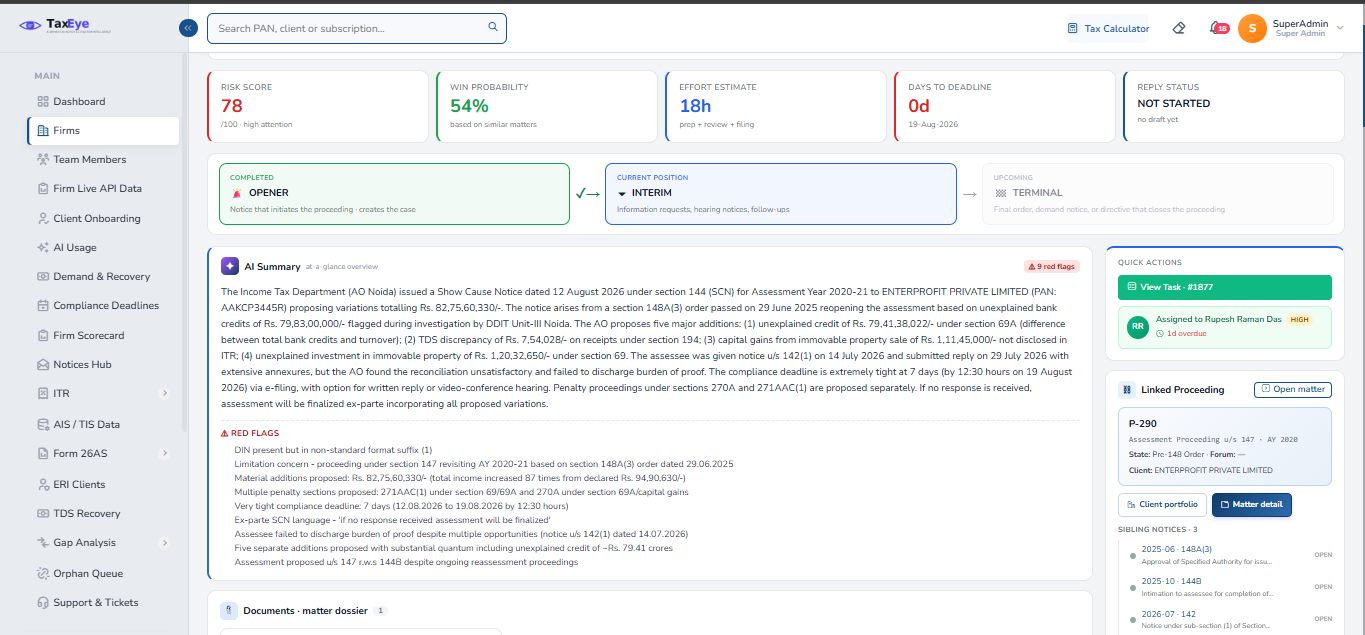
TDS Case Detail (single default/notice)

Case timeline, challans, correspondence and evidence
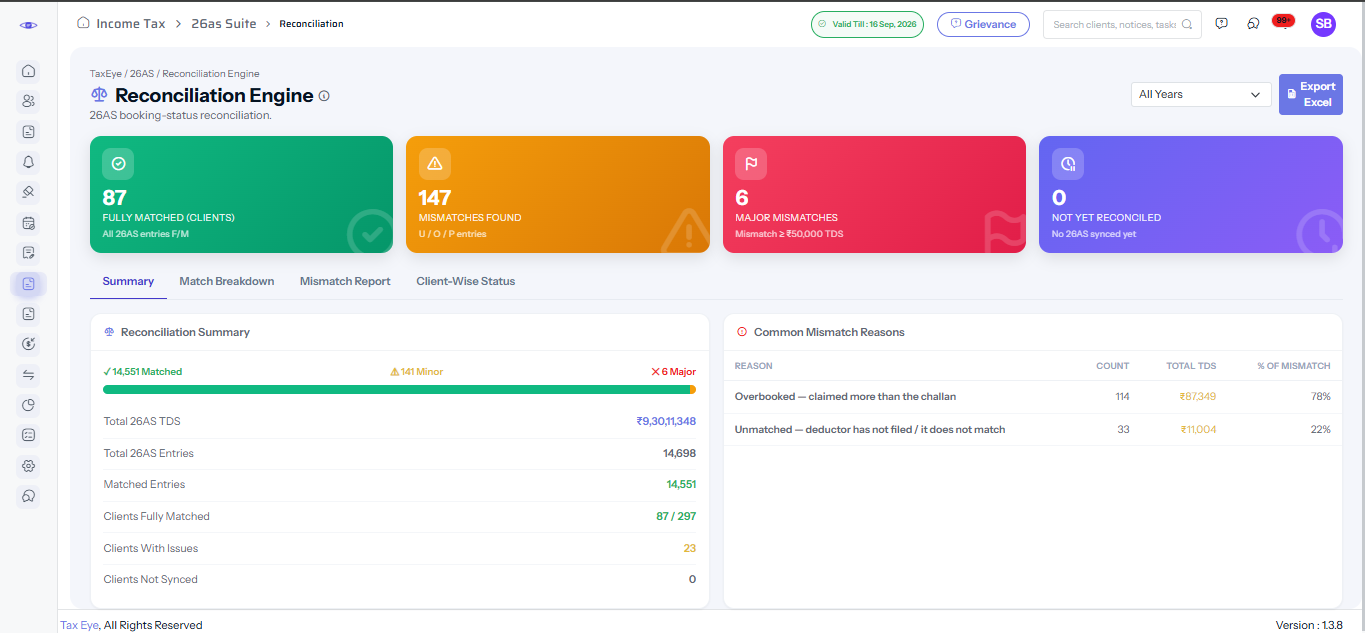
Challan Mapping Workspace

CIN/BSR mapping, quarter allocation, mismatch view
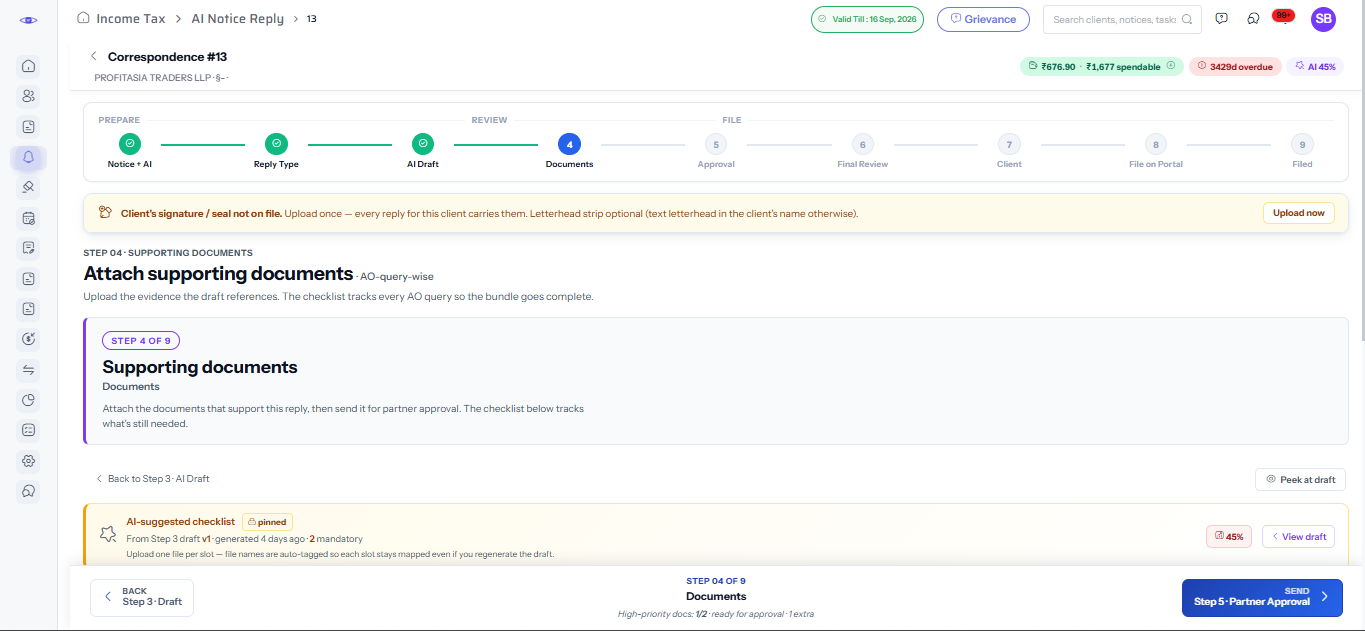
Quarter-wise Report Pack

Q-wise status, outstanding, corrections and closures

TDS/TRACES Dashboard

Deductor-wise status

TDS Case Detail

Case timeline & evidence

Challan Mapping

CIN/BSR mapping

Quarter-wise Report

Status and closures

FAQ

Frequently Asked Questions

Yes. TaxEye supports multiple TANs per client profile and maps them to branches and entities. You can track defaults and notices across all TANs in one consolidated view.

Yes. With client consent, TaxEye can pull challan status, defaults, and notice data from TRACES. You can also upload TRACES downloads manually if you prefer.

The challan mapping workspace lets you match CIN/BSR numbers to deductees, identify mismatches, and prepare corrections. All mappings are evidence-linked and logged.

Yes. TaxEye auto-creates quarter deadlines for TDS returns (Q1–Q4) and sends reminders. You can customize the reminder schedule per client or deductor.

Yes. TaxEye supports separate tracking for 26QB (property TDS), 26QC (rent TDS), and 26QD (contractor payments) alongside regular TDS/TCS notices.

Ready to manage TDS & TRACES compliance in one place?

Book a 20-minute demo. We'll map your workflow and set up your templates.

Request Demo