Practice Suite

Practice Management Suite

Run your tax practice end-to-end: tasks, calendar, billing, communication, reports and audit trail — connected to every case.

Features

What you get

Everything your practice needs to run efficiently — from tasks to billing.

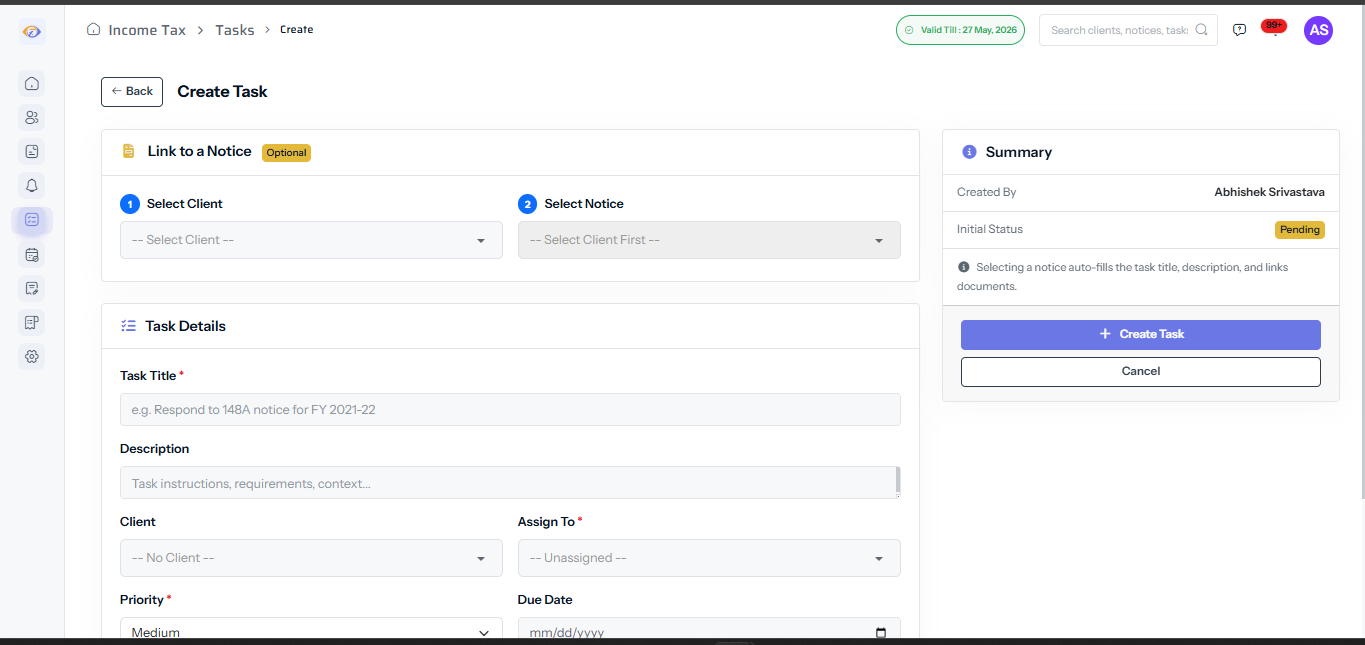
Tasks & SLA

Due buckets, escalation rules, Kanban boards and client-wise workload management for your whole team.

Calendar

Hearings, due dates, limitation and internal meetings in one unified calendar with conflict detection.

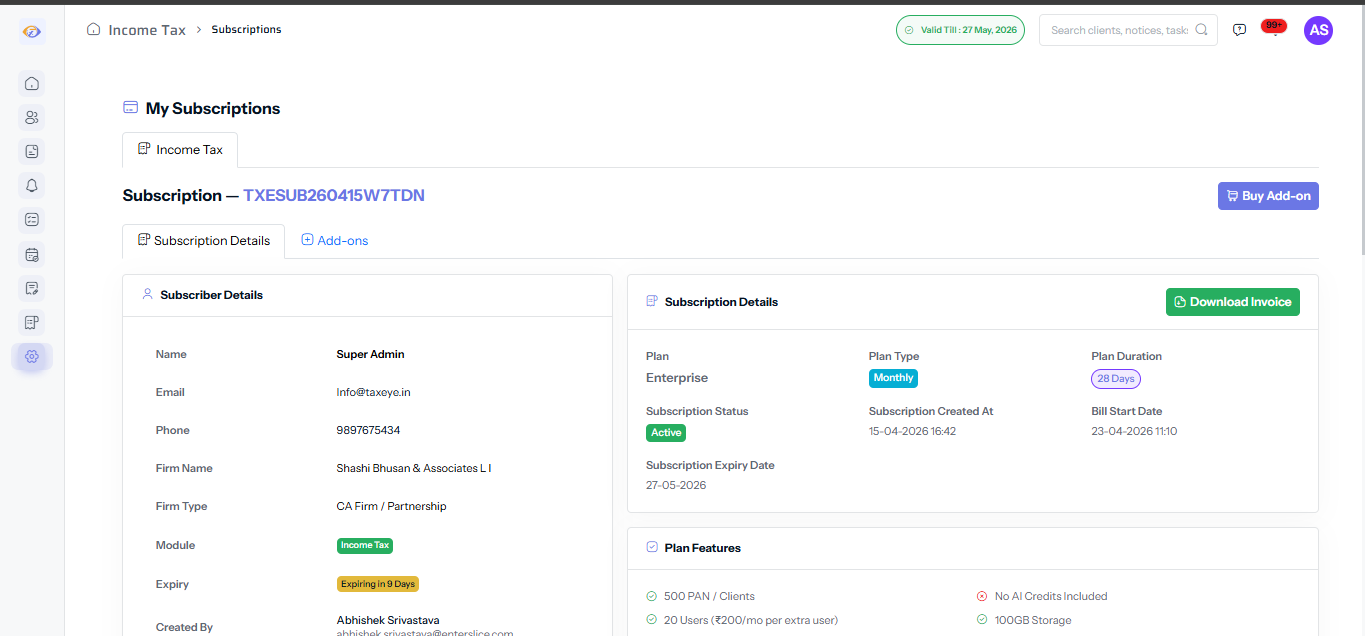
Billing + Retainers

Invoices, retainers, collections and aging reports linked directly to cases and completed tasks.

Client Communication

Questionnaires, document requests, approvals and reminders — all tracked in one place.

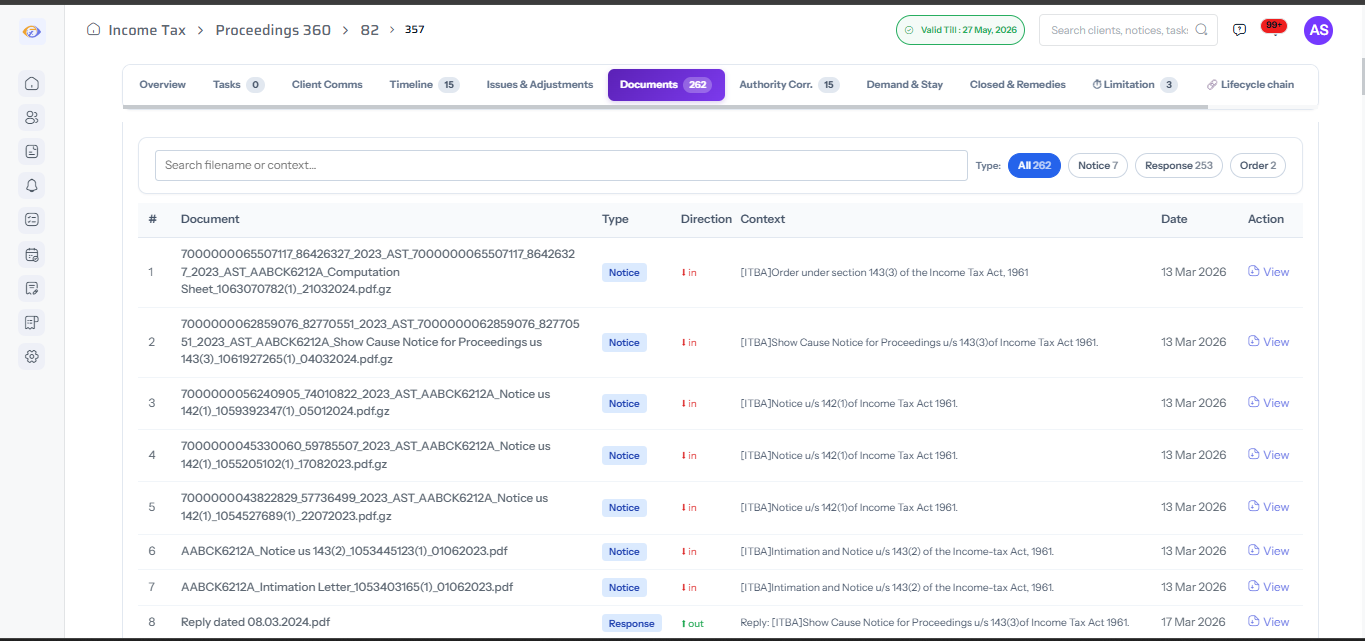
Reports & Packs

Generate client packs (PDF/Excel) and share via portal or email — branded and audit-ready.

Audit Trail

Full log of actions, approvals, versions and data sync events — searchable and exportable.

Workflow

How your practice runs on TaxEye

1
Plan Work

Create tasks by client / case with owners and SLA

2
Execute

Assign owners + track progress + SLA escalation

3
Collaborate

Client questions, document requests & approvals

4
Bill

Invoice on milestone closure — retainers and hourly

5
Review

Practice reports + risk dashboards for partners

Screens

Key screens

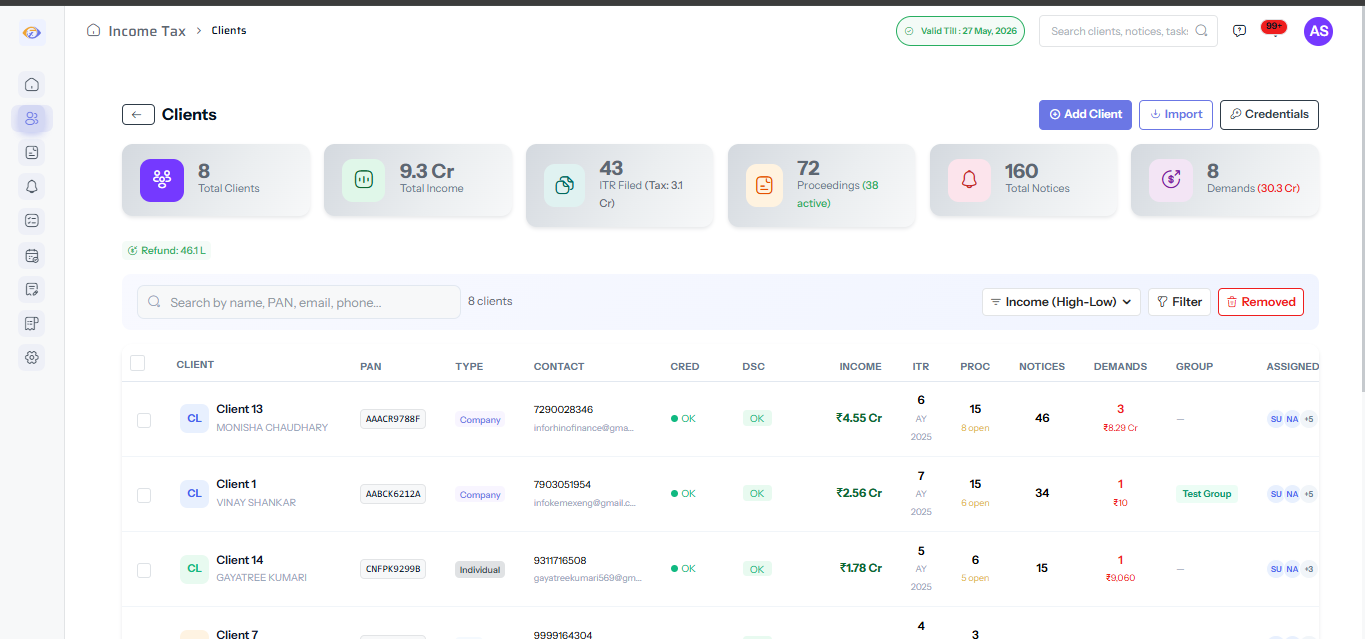
Tasks (Kanban + SLA)

Client-wise kanban with SLA buckets and escalation alerts

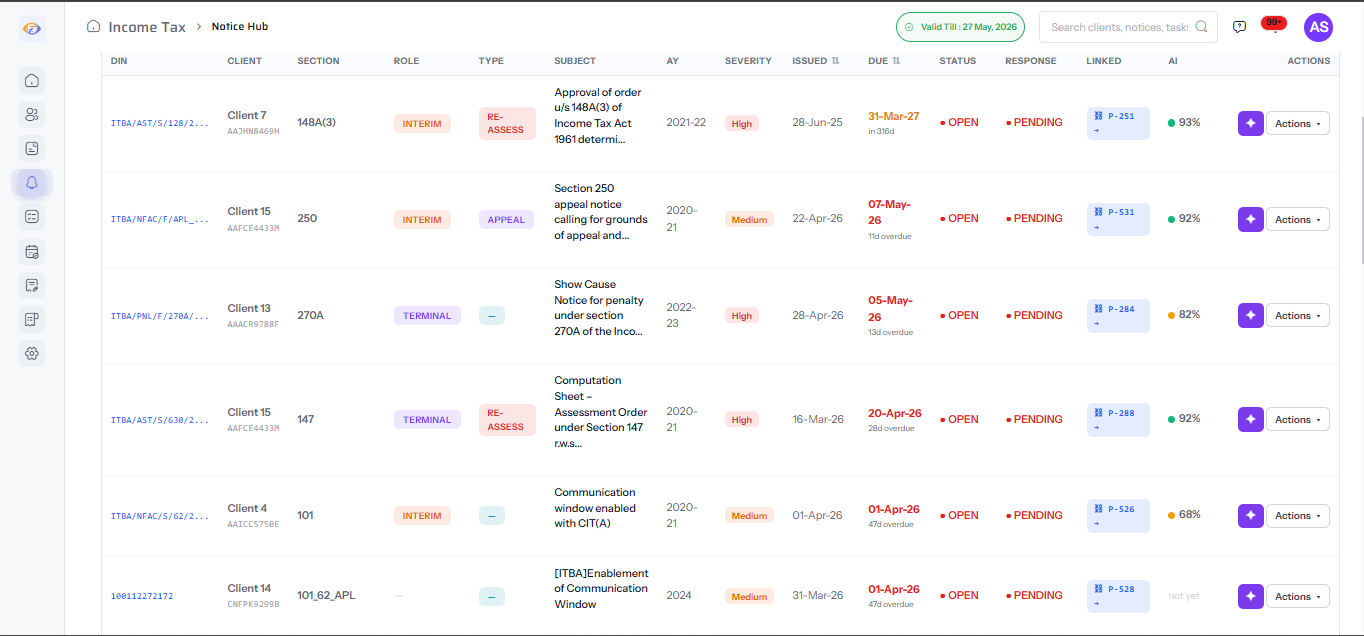
Calendar (Hearings + Deadlines)

All dates in one view — hearings, filings, internal tasks

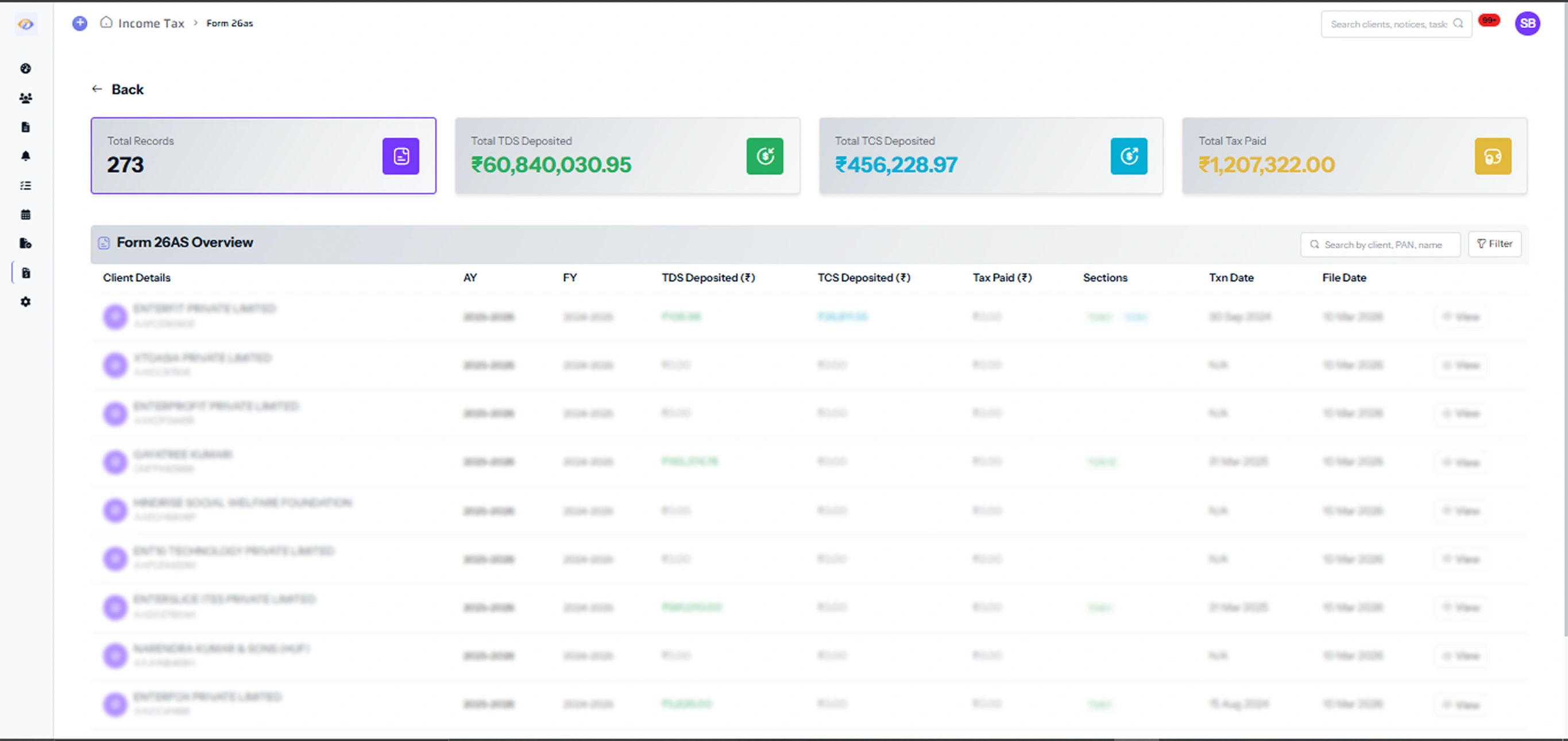
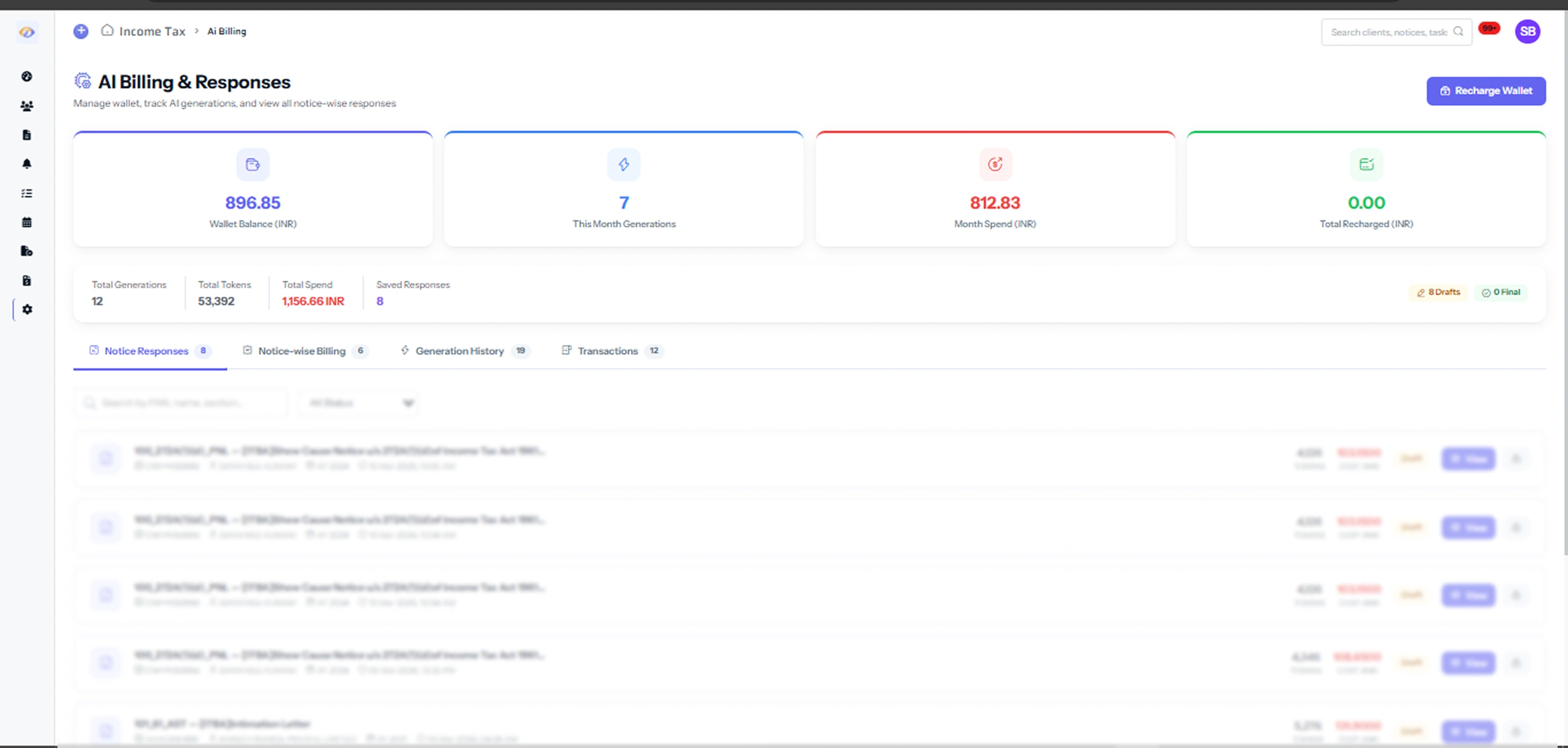
Billing (Invoices + Aging)

Client-wise invoices, retainer status, aging report

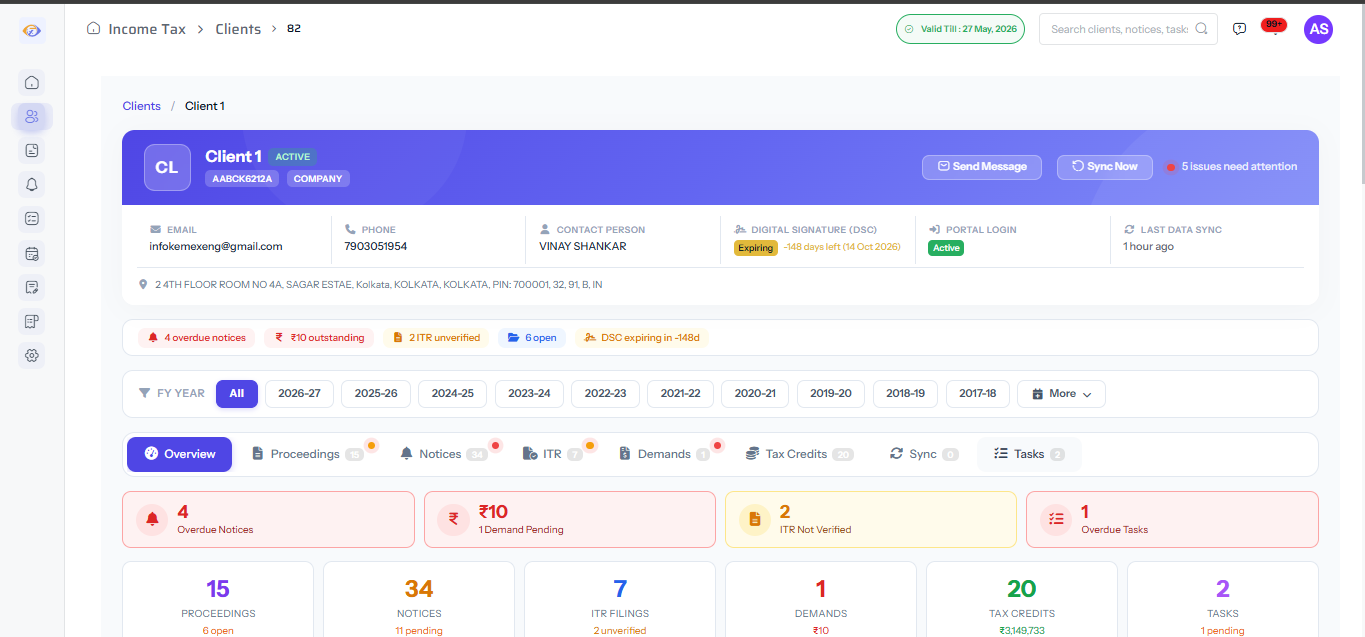
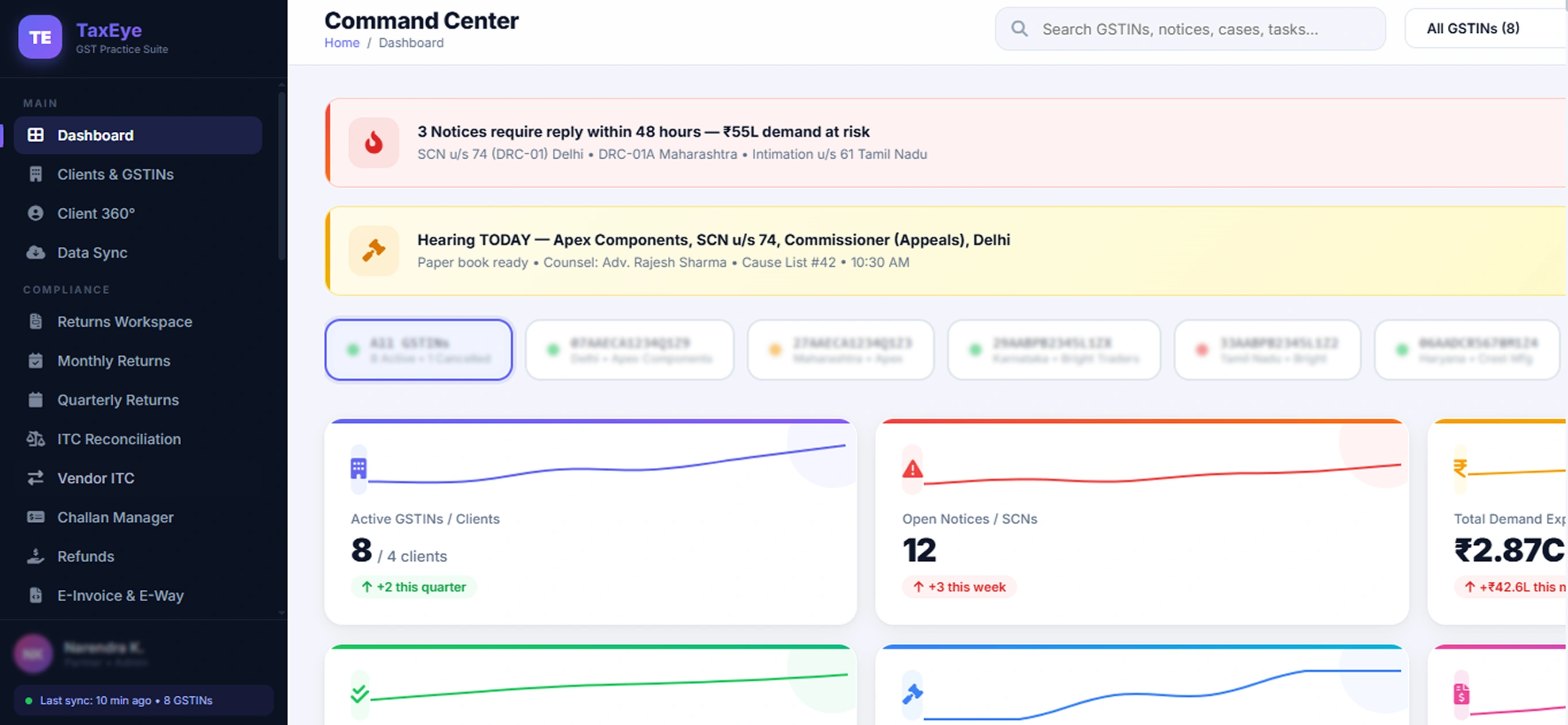
Reports (Client Packs)

Branded PDF/Excel packs for clients and partners

Tasks Kanban

SLA buckets and escalation

Calendar

Hearings & deadlines

Billing

Invoices & aging

Reports

Client packs PDF/Excel

FAQ

Frequently Asked Questions

Yes. Tasks can link to specific case IDs, draft versions and evidence documents. A task for "Draft reply to notice 143(1)" links directly to the notice record and draft workspace.

You configure escalation rules (e.g., escalate to partner if task is overdue by 2 days). Automatic reminders go to the assigned team member, and the partner is notified at escalation.

Yes. Invoices can be linked to specific cases or tasks. You can set up retainer billing, milestone billing, or hourly billing per client. Aging reports show outstanding amounts.

Yes. Clients can upload documents, respond to questionnaires and approve drafts via the client portal. All interactions are logged with timestamps.

Yes. Partners have a practice-wide dashboard showing team workload by member, SLA status, and upcoming deadlines. Role-based access controls what each user can view or edit.

Ready to run your practice on one platform?

Book a 20-minute demo. We'll map your workflow and set up your templates.

Request Demo