Draft Studio

Draft Studio — Templates + AI

Draft faster and consistently using global formats, your firm templates, facts, annexures and optional AI assistance — with version history and partner approvals built in.

Features

What you get

Consistent, evidence-linked drafting across your entire team.

Global Reply Formats

Built-in standard formats for notices and proceedings — fully editable and ready to use from day one.

Firm Templates

Upload your firm's formats and reuse them across all clients and team members. Keep your firm's voice consistent.

AI Hybrid Drafting

Combine template + facts + annexures + AI suggestions in a controlled, review-first workflow.

Versioning & Approvals

Partner review, client approval, and full change history — every version is stored and accessible.

Annexure Builder

Attach evidence with auto-indexing, description tags and checklists for a complete submission pack.

Case Law Finder

Tag issues and build a precedent pack — relevant judgments linked to the draft for future reuse.

Workflow

Draft Studio in 5 steps

1
Select Case

Choose notice / appeal / demand from the board

2
Choose Format

Global standard / firm template / hybrid draft

3
Add Facts

Structured facts + annexures + evidence index

4
Generate

Draft + arguments + case law + AI suggestions

5
Review & Export

Partner approval + version lock + final export PDF

Screens

Key screens

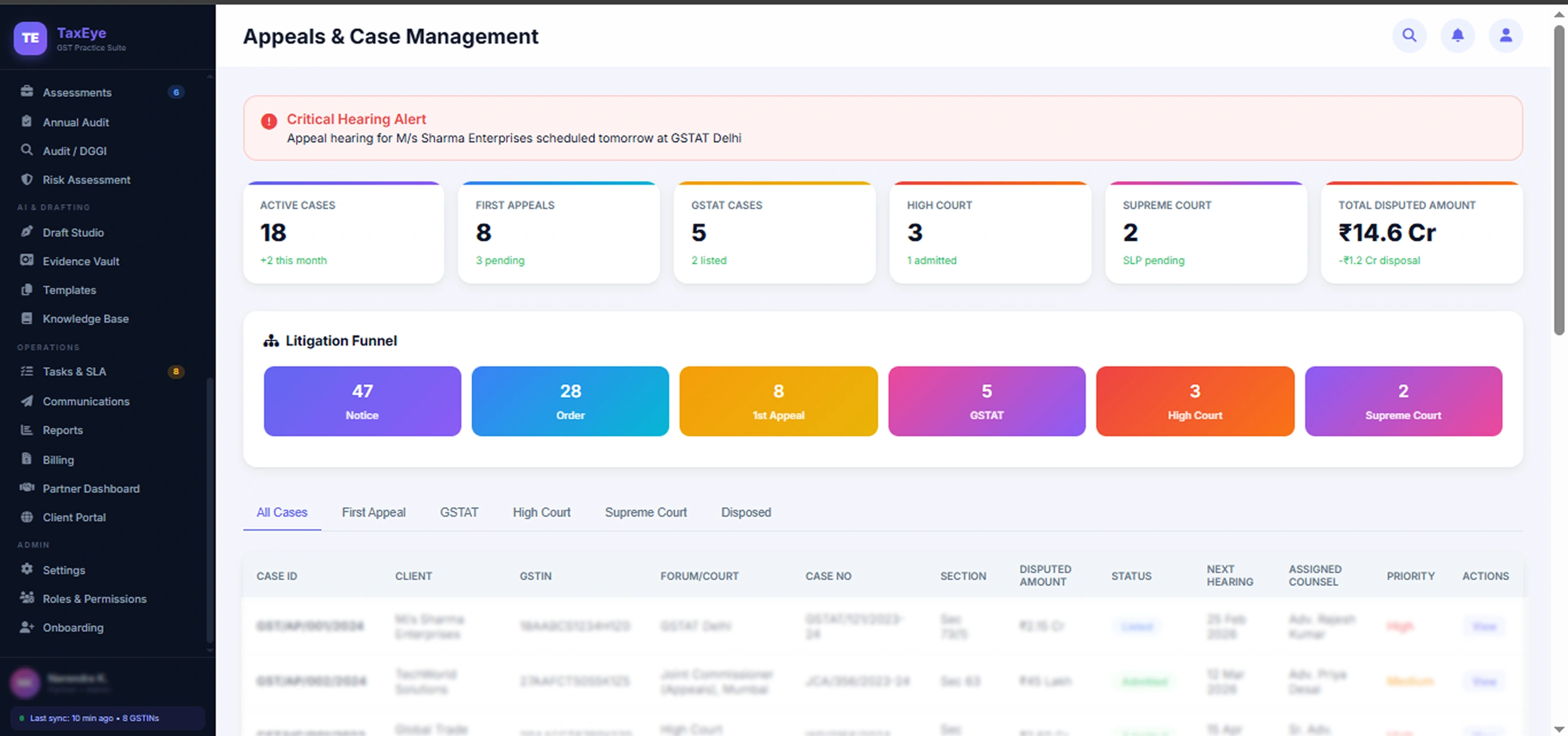
Draft Wizard (Select case + format)

Case context, format picker, fact entry wizard
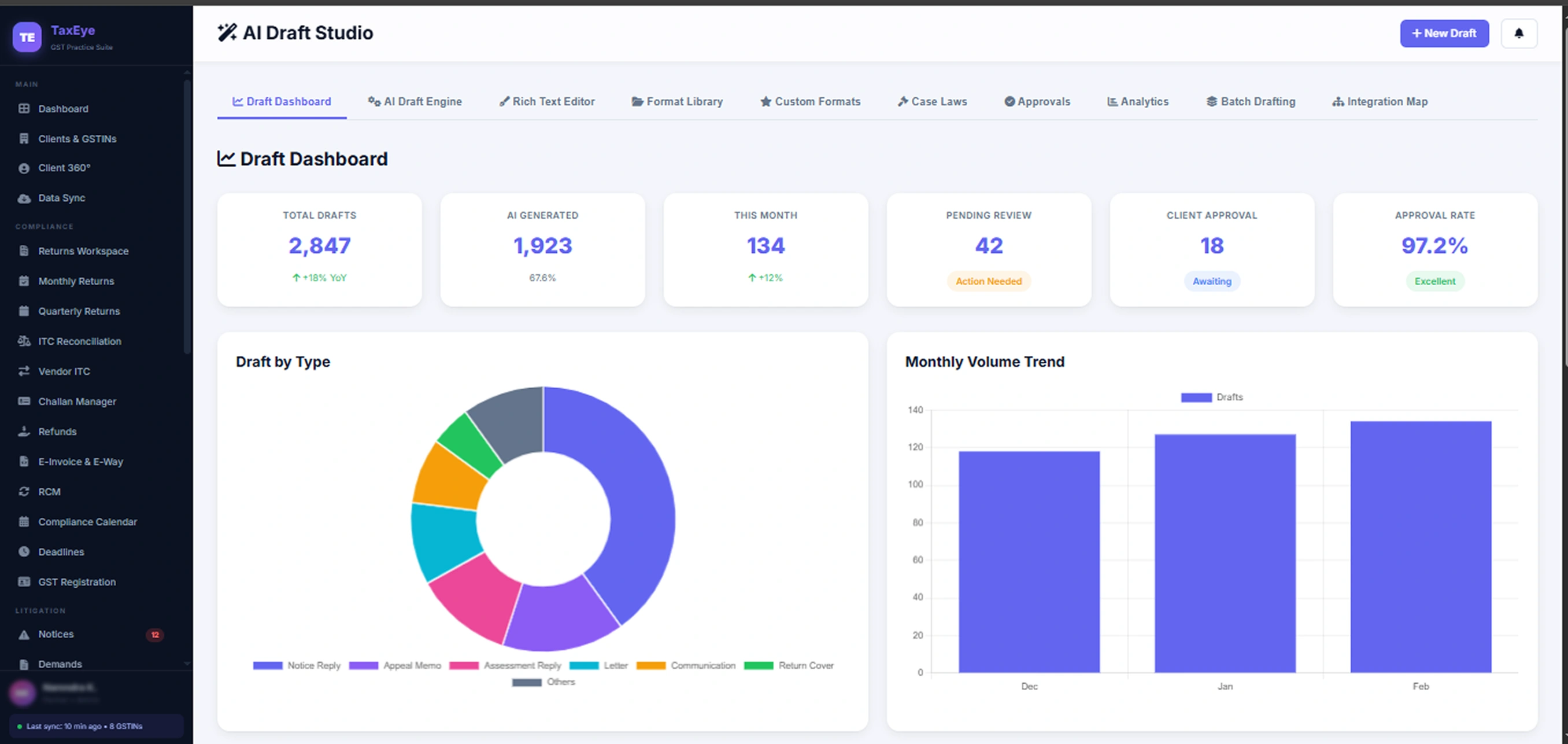
AI Editor (Draft + citations + annexures)

Live draft editor with AI panel and evidence picker
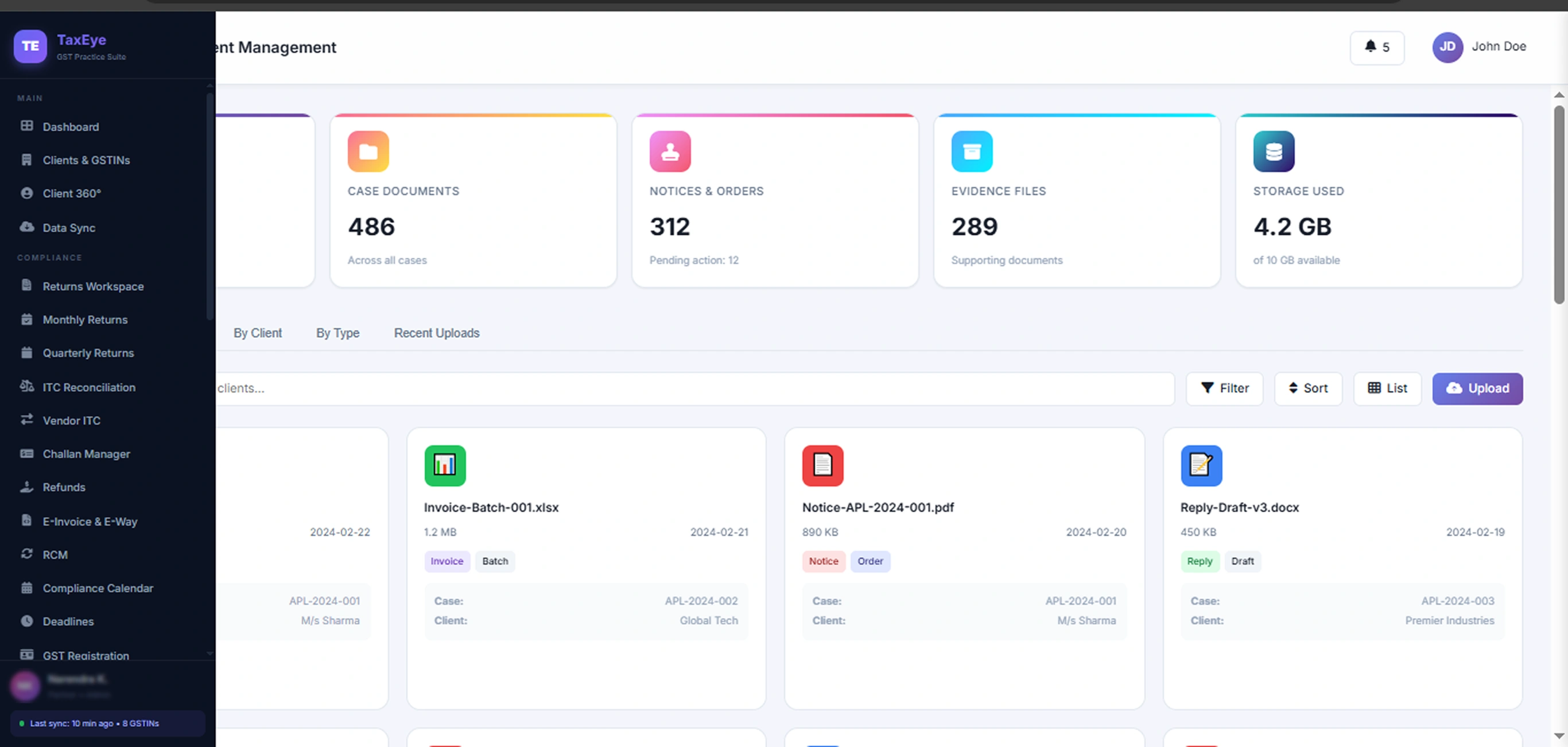
Template Library (Global + Firm)

Browse and manage global and firm-specific templates
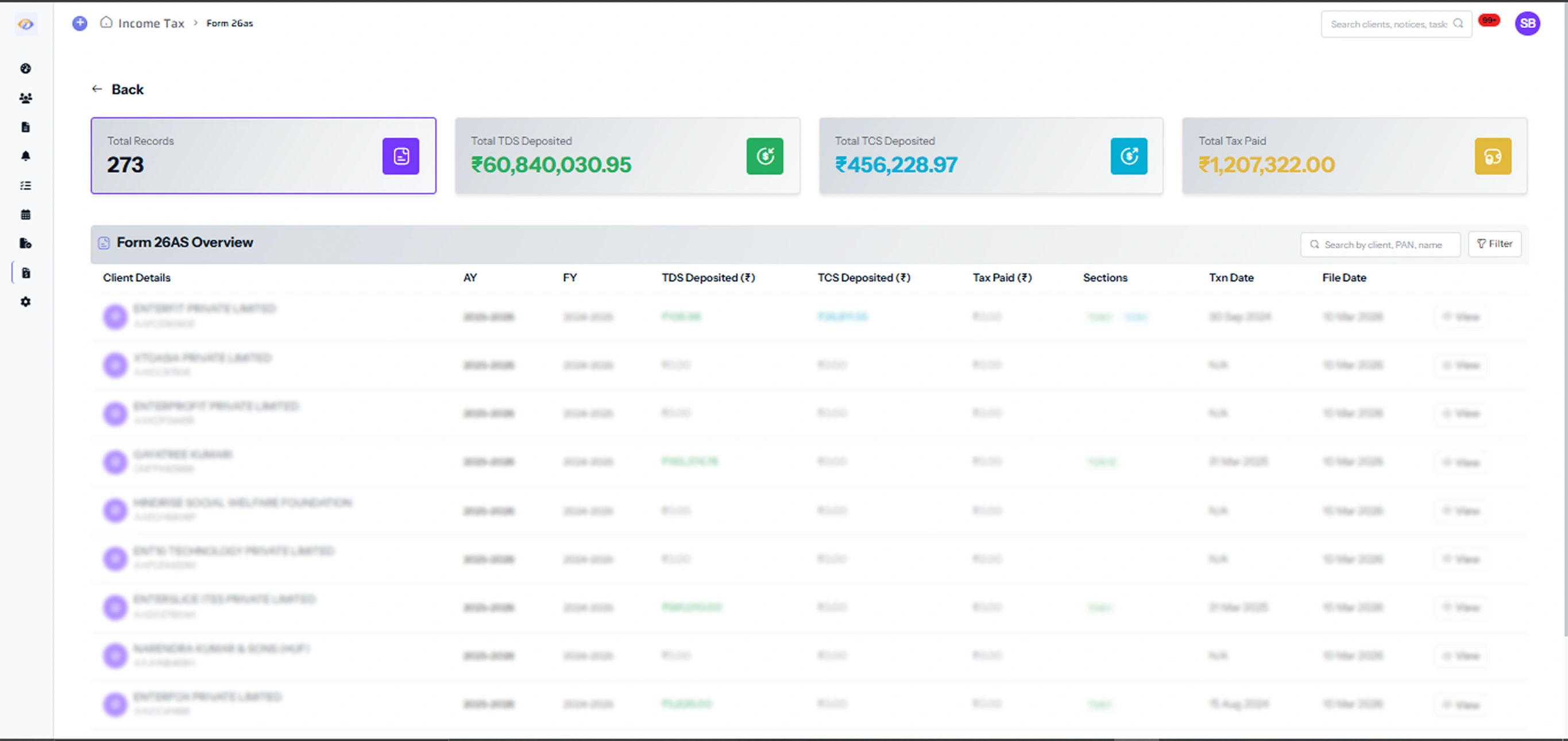
Approval & Version History

Track edits, reviewer comments and final approval

Draft Wizard

Case + format selection

AI Editor

Draft + citations

Template Library

Global + firm templates

Version History

Approval & changelog

FAQ

Frequently Asked Questions

No. Use only templates if you prefer. AI is optional per draft — it appears as a suggestion panel that you can accept, edit or ignore. Your firm maintains full control of the final draft.

Yes. Upload your Word/PDF format templates and they become available to all team members. You can have separate templates for different notice types (143(1), 148, CIT(A), ITAT, etc.).

Once a draft is ready, the team member marks it for review. The assigned reviewer (e.g., partner) gets a notification, can add comments, approve or send back for revision. All actions are timestamped.

Yes. Export the final draft as PDF or Word with your firm letterhead, annexure index and evidence summary attached. You can also share via the client portal directly.

Yes. The case law library includes ITAT, High Court and Supreme Court orders tagged by issue type. You can search by issue, filter by favorable/unfavorable, and add relevant citations directly to the draft.

Ready to standardize drafting across your firm?

Book a 20-minute demo. We'll set up your firm templates and show the AI workflow.

Request Demo